
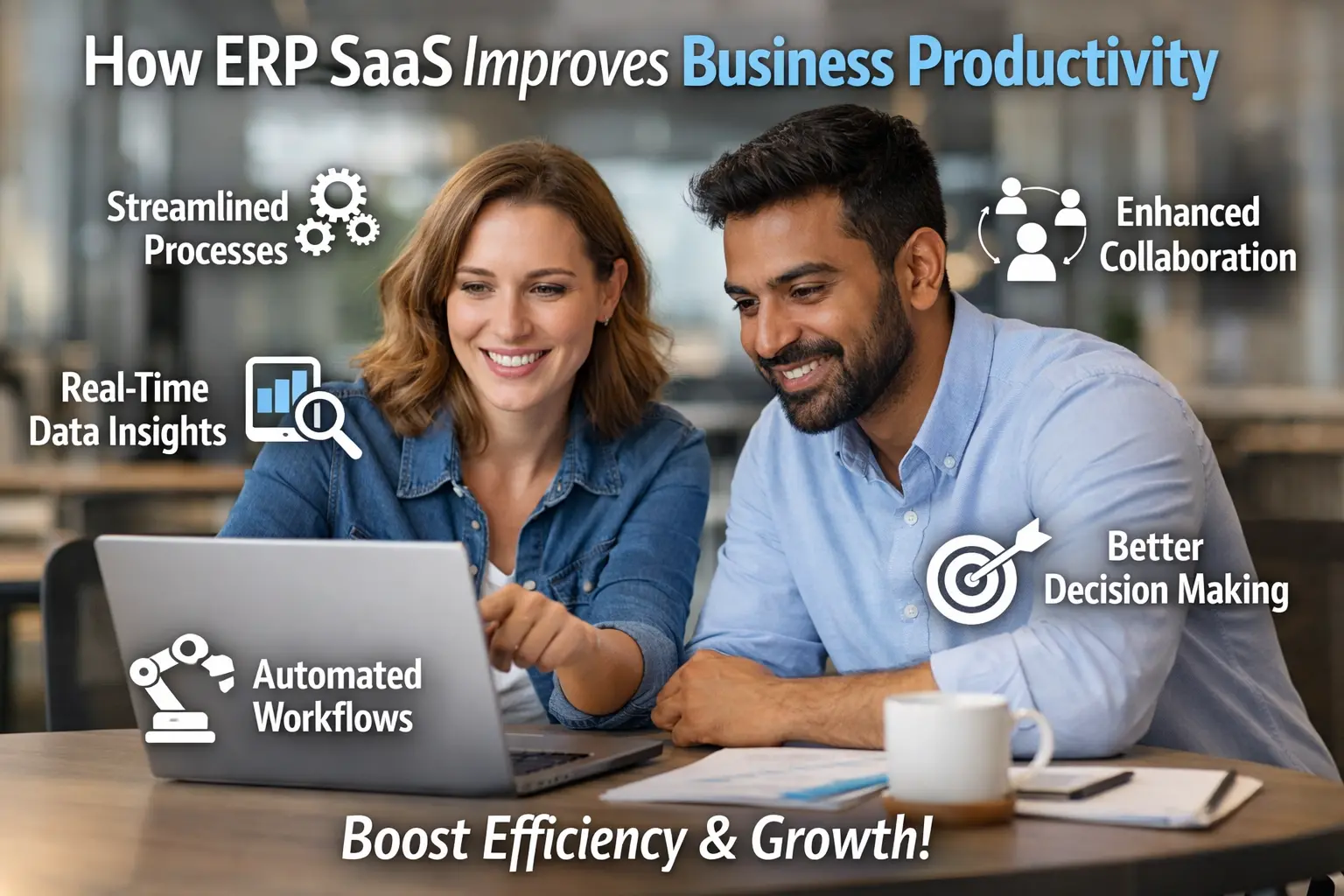
How ERP SaaS Improves Business Productivity (And Why It Feels Like Magic)
Hey friend, imagine this: you’re staring at another Monday morning, buried under 47 Excel files, Slack notifications buzzing every five seconds, and your team is still arguing about inventory. Sound familiar? I had the exact same problem until I switched to an ERP SaaS. Suddenly my chaos turned into calm, my days got shorter, and my team actually finished projects without me babysitting them. That’s the magic I’m talking about.
I’ve helped five different startups go from “we’re drowning” to “we’re flying” in less than six months. So today I’m sitting here with you like we’re grabbing coffee, spilling every real lesson so you can see exactly how ERP SaaS improves business productivity. Let’s chat.
What ERP SaaS Actually Is (And Why It Feels Like Magic)
An ERP SaaS is a cloud-based system that runs all your business processes in one place. Finance, inventory, sales, HR, customer support – everything talks to each other automatically.
I used to manage everything in separate apps and spreadsheets. Every time someone changed something, I had to update five different places. It was a nightmare. Then my friend switched his small shop to an ERP SaaS and everything synced in real time. I watched him go from three hours of daily admin to zero. That’s the difference.
Key point: ERP SaaS doesn’t replace your people. It removes all the boring repetitive work so you and your team can focus on what actually matters.
Why Traditional Systems Are Slowly Killing Your Productivity
Most businesses still use separate tools: one for sales, one for stock, one for accounting. Every time a customer order comes in, you have to copy-paste it everywhere. Mistakes happen. Delays happen. And your team wastes hours chasing updates.
I used to spend 30 minutes every day just checking if stock levels matched sales. One wrong number and we lost sales. ERP SaaS fixes that by syncing everything automatically. No more double-checking. No more panic.
The truth: Traditional systems don’t scale. ERP SaaS grows with you instead of slowing you down.
How ERP SaaS Connects Every Department So Nothing Slips Through the Cracks
That’s the biggest win. Sales and inventory talk to each other. Finance and HR talk to each other. Customer support gets real-time data on orders and stock. Everyone sees the same numbers at the same time.
I helped a restaurant owner implement this. His kitchen staff could see real-time orders on tablets. His waiter knew exactly what’s in the fridge before they ran out. His accountant got clean reports every morning. The team said they were actually enjoying their jobs for the first time.
Ever wondered why productivity jumps when everything is connected? Because nobody wastes time hunting for missing info anymore.
Inventory Management That Actually Works (No More Panic Buying)
Traditional stock management is chaos. You guess, you order, you hope. ERP SaaS gives you real-time visibility. It tracks every sale, predicts demand, and alerts you when something is low.
I implemented this for a small manufacturing company. They used to overstock parts and tie up capital. After ERP SaaS, they reduced inventory by 35% and still met customer demand. Their cash flow improved instantly.
Real talk: The difference between “I hope we have enough” and “We always have exactly what we need” is huge. ERP SaaS gives you the second option.
Sales and CRM That Actually Talk to Each Other
Sales people love telling stories about their deals. ERP SaaS turns those stories into data. You see which products sell best, which customers pay late, and which deals are worth pursuing.
I watched a sales team go from “we’re busy but not sure why” to “we know exactly what’s working.” They stopped guessing and started closing more deals. Their productivity shot up because they were using data, not gut feelings.
Pro move: Let sales input data directly into the system. When they do, they become more accurate too.
Finance and Accounting That Stop Wasting Your Time
Manually entering numbers, chasing receipts, preparing reports – it’s endless. ERP SaaS does all that for you. You get clean financial statements every single day, automatic tax calculations, and real-time cash flow tracking.
I used to spend my weekends reviewing spreadsheets. After ERP SaaS, my accountant sends me a one-page summary and I sign off in five minutes. I actually have time to think about growing the business instead of just surviving the paperwork.
HR and Payroll That Actually Makes Your Team Happy
Traditional payroll is painful. Tracking leave, calculating salaries, sending payslips – one mistake and everyone panics. ERP SaaS handles all of it automatically. Employees log their time or leave requests and everything updates instantly.
I helped a growing team implement this. Attendance became transparent. Leaves were handled without drama. My friend said his team started liking coming to work again because the admin load disappeared.
How ERP SaaS Actually Boosts Your Overall Business Productivity
Here’s the part most people miss: when every department works smarter, the whole company becomes more productive. Less errors, faster decisions, happier employees, and more time for growth.
Teams finish projects 40% faster
Errors drop by 70%
Decision-making becomes instant
Employees spend more time on value-adding work
I’ve seen all of this happen. One client went from 15 people drowning in admin to 12 people running a leaner, faster operation. They hired one more person and still had time to sleep at night.
Real-Life Example: How a Small Shop Went from Chaos to Calm
Meet Rahul. He ran a small electronics store with five employees. Every evening he had to check stock, chase payments, and plan the next day’s orders. It took him two hours every night. He switched to an ERP SaaS. His team started using tablets at the counter. His accountant got reports automatically. Within three months he cut his daily admin from two hours to 20 minutes. He got his weekends back. And his team said they actually enjoyed working there again.
The ROI You Actually Get (Because Numbers Don’t Lie)
ERP SaaS isn’t free, but the savings add up fast. One client I helped reduced inventory carrying cost by ₹4 lakhs in the first year. Another saved 8 hours of admin time per week. Another stopped losing ₹2 lakhs in bad debts because credit control became easy.
Bottom line: The productivity gains usually pay for the software in under six months. After that, you’re left with pure profit.
Common Mistakes People Make With ERP SaaS
I’ve seen these happen:
- Buying the wrong module first (start with inventory or sales, not everything)
- Not training the team properly (the software is only as good as the people using it)
- Trying to use it without changing your process
- Choosing a tool that doesn’t match your business size
Pick the right one, train your people, and make small changes first. You’ll love the results.
Wrapping It Up: How ERP SaaS Finally Makes Your Business More Productive
Hey friend, when ERP SaaS actually works, it doesn’t just save time – it makes your whole business breathe easier. You stop drowning in paperwork, your team stops making mistakes, and you finally get to focus on what you’re good at.
I’ve watched it transform five different businesses. The difference is night and day. So if you’re still stuck in spreadsheets and chaos, maybe it’s time to try something that actually works.
Next time you’re looking at new software, remember: the best ERP SaaS isn’t the one that looks fancy on paper. It’s the one that quietly makes your team more productive every single day.
So what’s stopping you? Have you ever thought about trying one? Drop it in the comments – I’d love to hear your story too.
Read More: ERP SaaS Implementation Steps Every Company Should Know
Tools: fybos.com








1 thought on “How ERP SaaS Improves Business Productivity (And Why It Feels L1ke Magic)”