
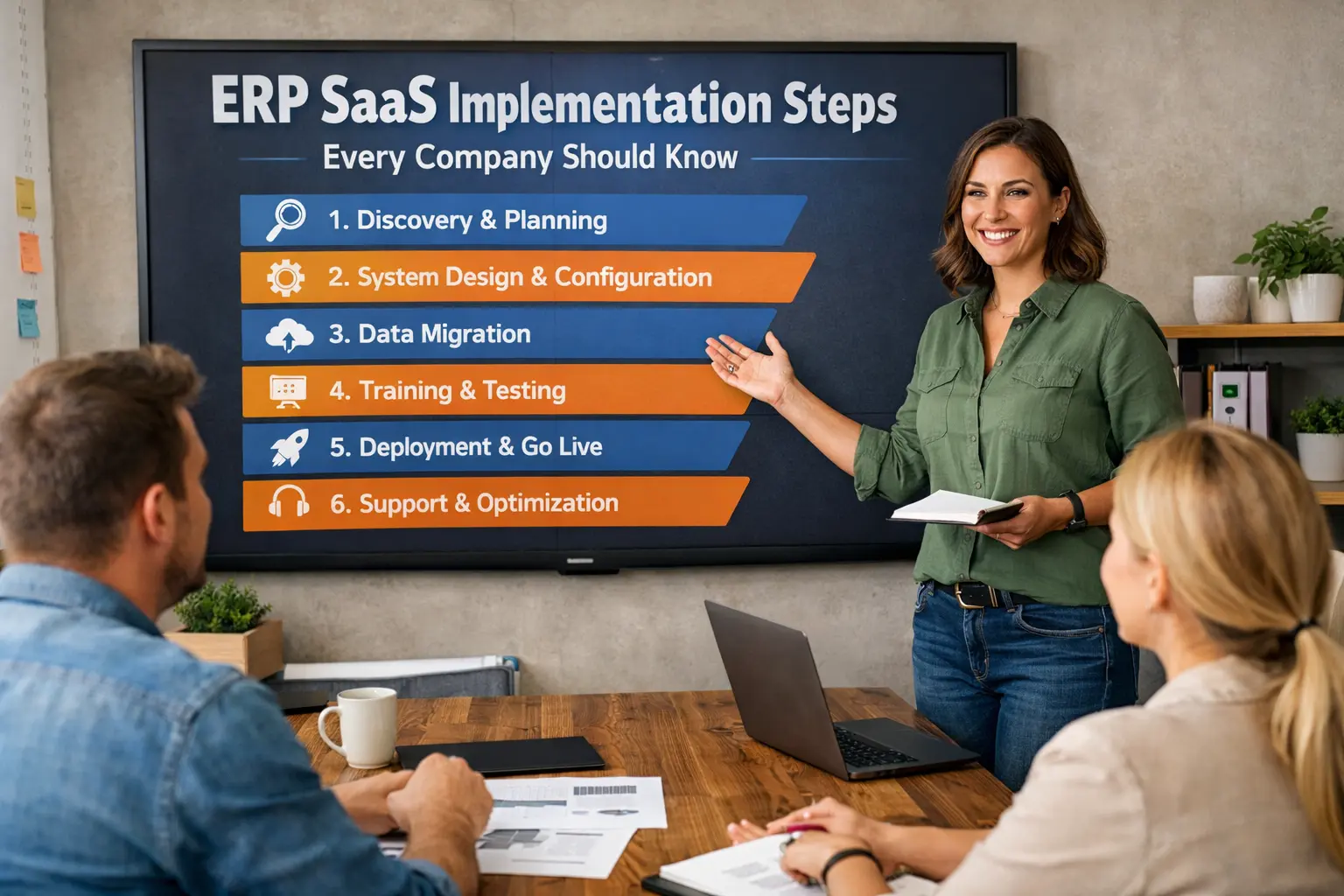
ERP SaaS Implementation: 10 Essential Steps Every Company Should Follow
ERP SaaS implementation can look deceptively simple on paper.
You choose a platform, move your data, train your team, and start working. Easy, right? Well… not quite. Anyone who has watched an ERP project unfold knows that the software usually causes fewer headaches than unclear requirements, messy data, weak planning, and teams that never received enough training.
A good ERP SaaS implementation can connect finance, sales, inventory, procurement, HR, operations, and reporting inside one system. A poorly planned implementation can create an expensive digital headache that nobody wants to own.
So, how do you get it right?
I recommend treating implementation as a business transformation project rather than a simple software installation. The technology matters, but your processes, people, data, and goals matter just as much.
This guide walks through 10 essential ERP SaaS implementation steps that can help your company reduce risk, control costs, improve adoption, and get value from the system faster.
1. Define Your ERP SaaS Implementation Goals
Before you compare ERP vendors or schedule another product demo, stop and define what you actually want to accomplish.
Why does your company need an ERP system?
If the answer sounds like “because everyone else uses one,” you need to go back to the drawing board.
An ERP SaaS platform should solve specific business problems. Maybe your finance team spends hours reconciling spreadsheets. Perhaps your sales team cannot see current inventory. Maybe managers struggle to get reliable reports because every department maintains its own data.
Write those problems down.
Identify Your Current Pain Points
Start with a simple assessment of your existing workflows.
Ask department leaders questions such as:
- Where do employees lose the most time?
- Which tasks require duplicate data entry?
- Which reports take too long to prepare?
- Where do errors happen most often?
- Which systems fail to communicate with each other?
- Which manual processes create the biggest operational risks?
- What information do managers struggle to access?
You don’t need a 200-page consulting document to answer these questions. A focused workshop can reveal plenty.
Set Measurable Objectives
Next, turn those problems into measurable goals.
For example, instead of saying:
“We want better inventory management.”
Set a target such as:
- Reduce inventory reconciliation time by 40%.
- Improve order-processing speed by 25%.
- Reduce duplicate customer records.
- Give managers real-time sales dashboards.
- Shorten monthly financial close time.
Clear ERP implementation goals give your project a scoreboard.
Without measurable objectives, teams can argue about whether the implementation succeeded. With measurable objectives, you can check the numbers and make a decision.
FYI, your ERP doesn’t need to solve every problem your company has. That’s a great way to turn a manageable implementation into a never-ending science project.
2. Build an ERP Implementation Team
An ERP SaaS implementation needs business ownership.
Your IT department can manage technical tasks, but IT alone should not decide how finance, sales, purchasing, inventory, or operations should work.
Those departments need a voice.
Create a cross-functional implementation team that represents the major parts of your business.
Choose an Executive Sponsor
Start with an executive sponsor.
This person should have enough authority to resolve conflicts, approve major decisions, and keep leadership engaged.
ERP projects often force departments to change familiar processes. Someone needs to make the final call when two departments want different outcomes.
Create a Core Project Team
Your core team might include:
- Executive sponsor
- Project manager
- IT representative
- Finance representative
- Operations representative
- Sales representative
- HR representative
- Data owner
- ERP implementation partner
You don’t need every employee sitting in every meeting. That sounds democratic until nobody gets any work done.
Instead, assign clear responsibilities.
Define Ownership Early
Create a simple responsibility matrix.
For example:
| Area | Primary Owner |
|---|---|
| Finance | Finance Lead |
| Customer Data | Sales Operations |
| Inventory | Operations Lead |
| User Access | IT |
| Data Migration | Data Lead |
| Training | Project Manager |
| Vendor Coordination | Project Manager |
Every major ERP decision should have a clearly identified owner.
That simple rule can prevent weeks of confusion.
3. Map Your Existing Business Processes
Here’s where ERP implementation gets interesting.
Before you configure your new SaaS ERP, document how your company currently works.
Don’t assume your existing process makes sense just because employees have used it for years.
Ask a simple question:
“Why do we do it this way?”
Sometimes you’ll discover a legitimate business requirement. Other times, you’ll discover that someone created a spreadsheet in 2016 and the company simply never stopped using it. 🙂
Document the Current Workflow
Map important processes such as:
- Lead-to-cash
- Procure-to-pay
- Order-to-fulfillment
- Inventory management
- Financial close
- Expense management
- Payroll
- Customer support
- Project management
For each process, document the major steps.
For example, your order-to-cash workflow might look like:
Customer order → Credit check → Inventory check → Picking → Shipping → Invoice → Payment → Reconciliation
Then identify delays, manual work, duplicate entries, and unnecessary approvals.
Design the Future Process
Don’t automatically copy every old workflow into your new ERP.
Your ERP implementation gives you an opportunity to simplify operations.
Ask:
- Can we remove this approval?
- Can the system automate this calculation?
- Can two steps become one?
- Can employees enter information once instead of three times?
- Can the ERP trigger notifications automatically?
Good ERP implementation improves processes instead of simply digitizing bad ones.
That’s one of the biggest differences between a successful ERP rollout and an expensive software replacement.
4. Choose the Right ERP SaaS Platform
Now you can evaluate ERP SaaS solutions with much more confidence.
Your company shouldn’t choose an ERP because a vendor gave the most impressive presentation. Vendors know how to make software look fantastic during demos. Your job involves figuring out whether the software works for your actual business.
Create an ERP Requirements List
Separate requirements into three categories:
Must-have features
These features directly support essential business operations.
Nice-to-have features
These features can improve productivity but don’t determine project success.
Future requirements
These features may matter as your company grows.
Your list might include:
- Financial management
- Accounts payable
- Accounts receivable
- Inventory
- Procurement
- CRM integration
- Reporting
- Workflow automation
- User management
- Mobile access
- API access
- Payroll integration
- E-commerce integration
Evaluate SaaS ERP Features
Look beyond the feature checklist.
Evaluate:
- Ease of use
- Scalability
- Integration capabilities
- Security controls
- Reporting
- Automation
- Customization
- Vendor support
- Implementation resources
- Pricing structure
- Data export options
The best ERP isn’t necessarily the platform with the longest feature list.
You want the platform that fits your business requirements without creating unnecessary complexity.
Compare Total Cost
Don’t compare subscription prices alone.
Your ERP SaaS budget may include:
- Subscription fees
- Implementation services
- Data migration
- Integrations
- Custom development
- Training
- Support
- Additional users
- Premium modules
- Ongoing administration
A cheap ERP can become expensive if your team spends months working around limitations.
IMO, usability deserves serious attention. Employees interact with your ERP every day, so a powerful platform that frustrates users can cost more than you expect.
5. Create a Realistic ERP Implementation Plan
Once you select your ERP platform, build a detailed implementation roadmap.
Avoid the classic mistake of creating a beautiful timeline that ignores reality.
ERP implementation involves dependencies. Data migration depends on data preparation. Testing depends on configuration. Training depends on stable workflows.
Your project plan should reflect those relationships.
Break the Project Into Phases
A typical ERP SaaS implementation can include:
- Project kickoff
- Requirements validation
- Process mapping
- ERP configuration
- Integration development
- Data cleansing
- Data migration
- Testing
- User training
- Go-live preparation
- Go-live
- Post-launch support
Your exact sequence may differ, but the principle remains the same.
Give every major phase a clear owner, deadline, dependency, and success criterion.
Build Some Buffer
Projects rarely follow the original timeline perfectly.
Your team may discover duplicate customer records. An integration may require additional testing. A department may request a workflow change.
Plan for surprises.
A small schedule buffer can protect your project from turning one delayed task into a three-month domino effect.
Control Scope Creep
Scope creep can quietly destroy an ERP project.
Someone eventually says:
“Since we’re already changing the ERP, can we also add…”
And suddenly your accounting implementation has turned into a CRM rebuild, warehouse redesign, analytics platform, and company-wide digital transformation.
Create a change-control process.
Evaluate each new request based on:
- Business value
- Cost
- Risk
- Timeline impact
- Technical complexity
- Go-live impact
Not every good idea belongs in the first release.
6. Clean and Prepare Your Data
Data migration often receives less attention than it deserves.
That’s a mistake.
Your new ERP can only produce useful information if you give it useful data.
Garbage in, garbage out still applies. Software hasn’t magically escaped that rule.
Identify Your Data Sources
Your company may store information across:
- Legacy ERP systems
- Spreadsheets
- CRM platforms
- Accounting software
- Inventory systems
- HR systems
- Databases
- Department-specific applications
Create an inventory of those sources.
Then decide which information actually needs migration.
Clean Your Data
Look for:
- Duplicate customers
- Duplicate suppliers
- Incomplete addresses
- Invalid email addresses
- Old products
- Inactive accounts
- Incorrect tax information
- Missing inventory details
- Conflicting customer IDs
Don’t move unnecessary junk into your new ERP simply because you can.
Establish Data Ownership
Assign owners to critical data categories.
For example:
- Finance owns financial master data.
- Sales owns customer information.
- Procurement owns supplier records.
- Operations owns inventory information.
Data owners should approve the quality and accuracy of migrated information.
Test Data Migration
Run migration tests before the final cutover.
Compare source and target records.
Check:
- Record counts
- Balances
- Customer information
- Product information
- Supplier information
- Historical transactions
- Account structures
A successful test migration gives your team confidence before go-live.
7. Configure Integrations and Automation
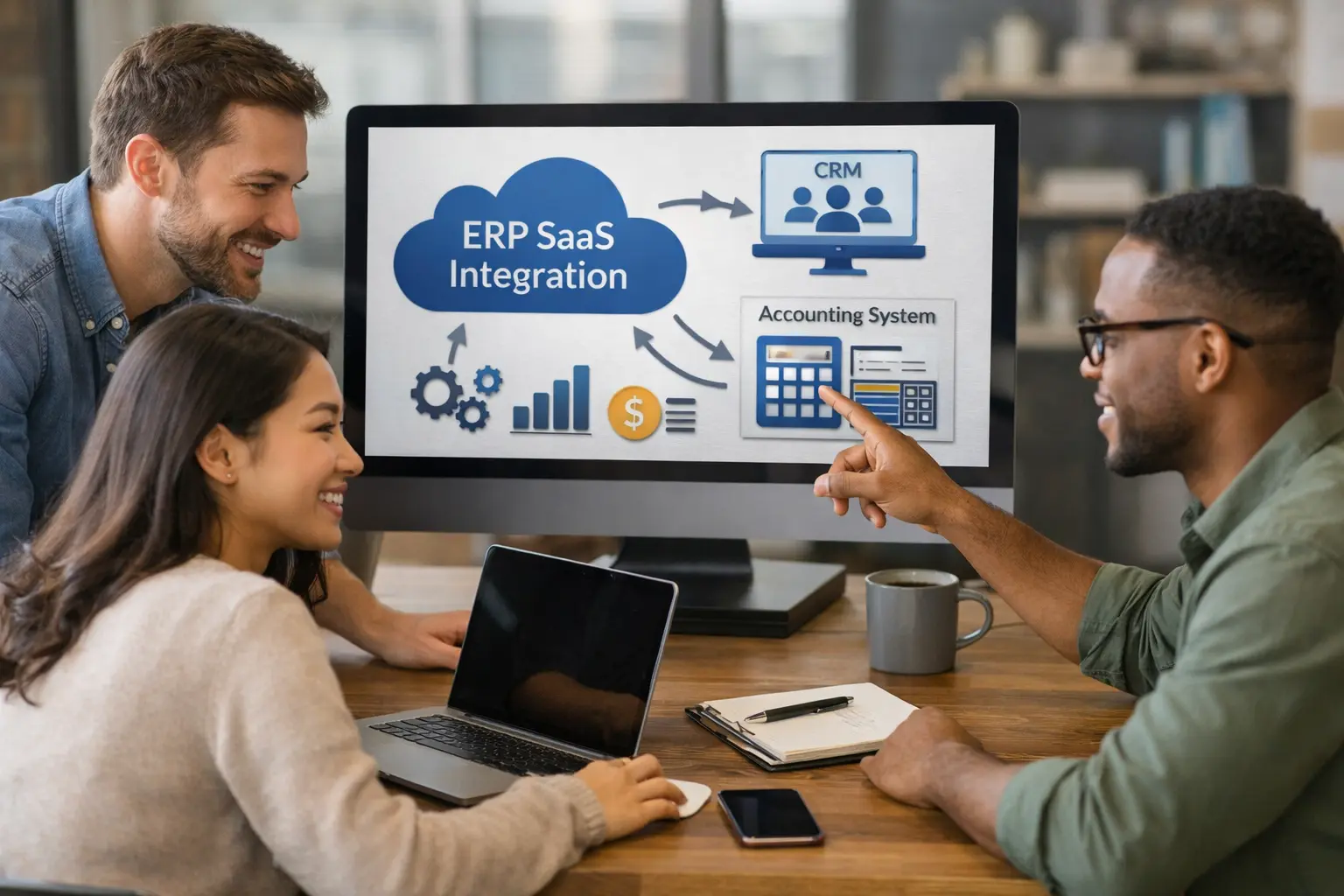
Your ERP rarely operates alone.
Most companies connect their ERP SaaS platform to several other systems.
Common integrations include:
- CRM
- E-commerce
- Payment gateways
- Banking systems
- Payroll
- Tax software
- Shipping platforms
- Warehouse systems
- Business intelligence tools
- Customer support platforms
Map Every Integration
For each integration, document:
System A → Data → System B → Frequency → Owner → Failure Response
For example:
E-commerce platform → Orders → ERP → Real time → Operations → Error queue
This simple map can expose gaps before they create operational problems.
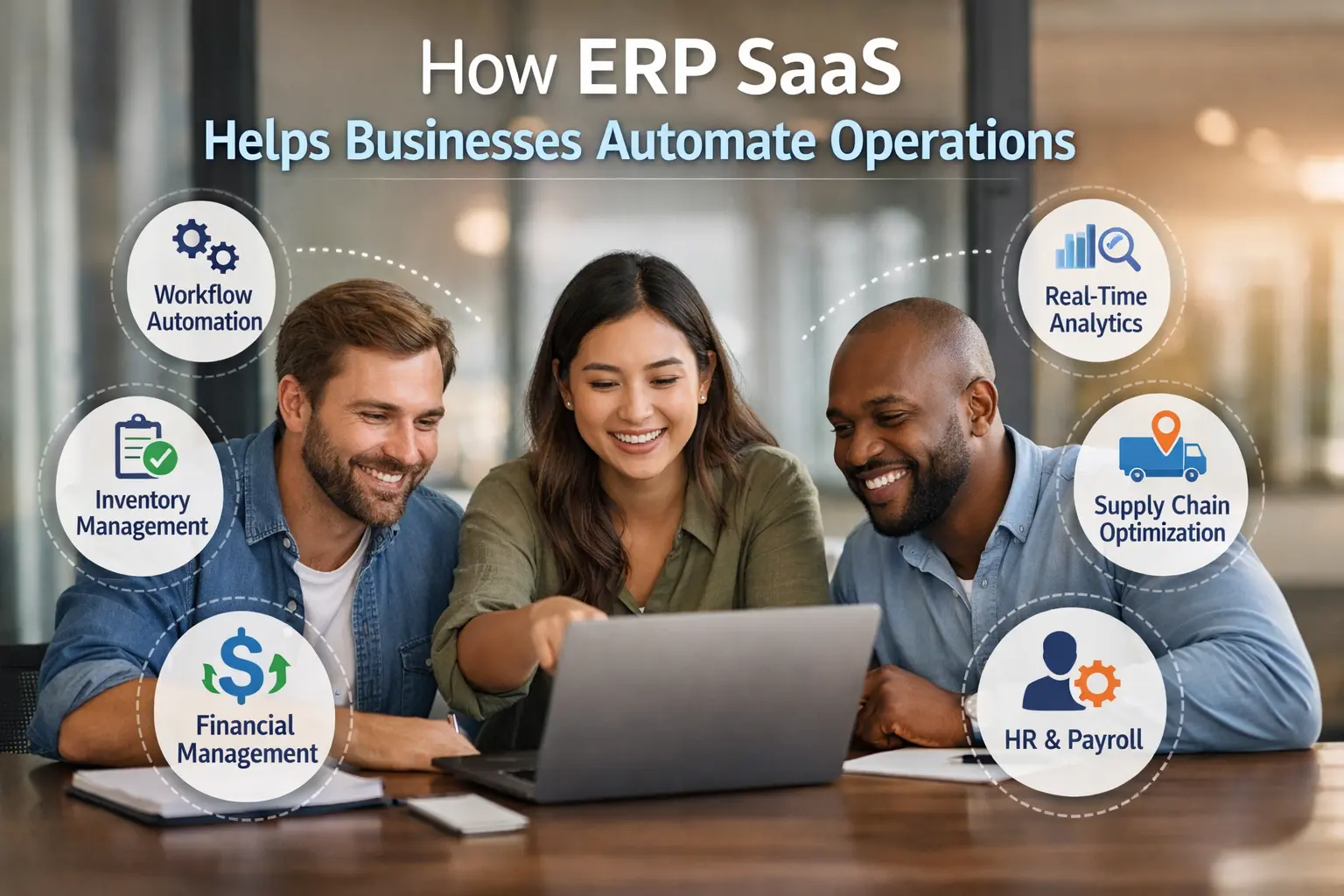
Automate Repetitive Work
ERP automation can reduce manual effort significantly.
Consider automating:
- Invoice creation
- Payment reminders
- Purchase approvals
- Inventory alerts
- Expense approvals
- Customer notifications
- Recurring journal entries
- Workflow assignments
But don’t automate a broken process.
First simplify the workflow. Then automate it.
Automation should remove unnecessary work, not make bad processes run faster.
8. Test the ERP Before Go-Live
Never treat testing as a box you check five minutes before launch.
Your team should test the ERP throughout the implementation.
Start With Functional Testing
Check individual functions.
For example:
- Can users create customers?
- Can finance create invoices?
- Can employees submit expenses?
- Can purchasing create purchase orders?
- Can warehouse staff update inventory?
- Can managers generate reports?
Then move to integrated workflows.
Run End-to-End Tests
End-to-end testing shows whether the complete business process works.
For example:
Customer order → Inventory allocation → Shipment → Invoice → Payment → Accounting entry
One broken connection can affect several departments.
Conduct User Acceptance Testing
Real users should test the system.
Give employees realistic scenarios rather than random clicks.
Ask them to complete tasks they perform every day.
Then collect feedback.
Look for:
- Confusing screens
- Missing permissions
- Incorrect calculations
- Broken workflows
- Reporting problems
- Integration failures
- Slow processes
User acceptance testing helps you discover problems before customers discover them for you.
9. Train Employees and Manage Change
You can buy an excellent ERP and still fail if employees don’t use it correctly.
People resist change for many reasons. Sometimes they dislike the new system. Sometimes they fear losing control. Sometimes they simply don’t understand why the company changed something that worked “well enough.”
Your job involves addressing those concerns.
Explain the Reason for Change
Tell employees:
- Why the company selected the ERP
- Which problems it solves
- How workflows will change
- What benefits employees can expect
- What the company expects from users
Don’t rely on vague corporate language.
Tell people what actually changes in their daily work.
Train by Role
Don’t give every employee the same two-hour presentation.
Finance employees need finance training.
Warehouse employees need warehouse training.
Managers need reporting and approval training.
Sales employees need customer and order workflows.
Role-based ERP training creates more practical knowledge than generic training.
Create Internal Champions
Choose employees who can help colleagues after launch.
These ERP champions can:
- Answer common questions
- Demonstrate workflows
- Report recurring problems
- Encourage adoption
- Share feedback with the project team
People often trust a knowledgeable coworker more than a distant software manual.
Continue Training After Launch
Don’t stop training on go-live day.
Employees will discover new questions after they start using the system.
Create:
- Quick-reference guides
- Short videos
- Internal FAQs
- Office hours
- Help channels
- Refresher sessions
Change management doesn’t end when the system launches.
10. Plan the Go-Live and Measure ERP Performance
Go-live represents a major milestone, but it doesn’t represent the end of your ERP implementation.
Think of it as the beginning of the optimization phase.
Create a Go-Live Checklist
Before launch, confirm:
- Data migration completed
- Data validation completed
- Integrations tested
- User accounts created
- Permissions verified
- Reports validated
- Workflows tested
- Employees trained
- Support contacts confirmed
- Backup procedures reviewed
- Cutover schedule approved
- Contingency plan prepared
Don’t launch simply because the calendar says Monday. Launch because your business can operate safely.
Decide Between Big-Bang and Phased Deployment
Companies often choose between two approaches.
Big-bang implementation launches major ERP functionality at once.
It can shorten the overall transition, but it creates higher short-term pressure.
Phased implementation launches functionality or departments in stages.
It can reduce immediate risk, but it can extend the overall project timeline.
Which approach works better?
That depends on your company size, complexity, risk tolerance, integrations, and operational requirements.
Prepare a Support Team
Expect questions during the first few weeks.
Employees may ask:
- Where did this button go?
- Why does this report look different?
- Why can’t I approve this transaction?
- Why didn’t this integration run?
- How do I correct this record?
That’s normal.
Create a clear escalation process.
For example:
Employee → Department Champion → Internal ERP Team → Implementation Partner → Vendor Support
A structured process prevents every small problem from landing on the project manager’s desk.
Measure ERP Success
Finally, measure whether your ERP actually delivers value.
Useful KPIs may include:
- Order processing time
- Invoice processing time
- Financial close duration
- Inventory accuracy
- Purchase order cycle time
- User adoption
- Data accuracy
- Customer service response time
- Automation rate
- ERP support tickets
Compare these metrics with your original goals.
If you wanted to reduce monthly financial close from 10 days to 6 days, measure the result.
If you wanted to reduce inventory errors by 30%, track the numbers.
ERP success depends on measurable business outcomes, not simply launching the software.
Common ERP SaaS Implementation Mistakes to Avoid
Even companies with strong project teams can make avoidable mistakes.
Here are some of the biggest ones.
Choosing Software Before Defining Requirements
Don’t start with a vendor.
Start with your business problems.
Otherwise, you may choose impressive features that don’t solve your most important operational issues.
Underestimating Data Migration
Data cleansing takes time.
Give it enough attention before implementation deadlines start squeezing the team.
Customizing Everything
ERP customization can solve specific requirements, but excessive customization can increase costs and complicate upgrades.
Use standard ERP functionality whenever it reasonably meets your needs.
Customize only when the business case justifies the additional complexity.
Ignoring User Experience
Employees won’t magically love a complicated interface because management purchased it.
Give users a voice during testing.
Skipping Change Management
Technology doesn’t create adoption.
People create adoption.
Explain the change, train employees, support them, and listen to their feedback.
Treating Go-Live as the Finish Line
Your ERP needs continuous optimization.
After launch, review workflows, reports, integrations, and user feedback.
Your company will change. Your ERP should evolve with it.
ERP SaaS Implementation Best Practices
If you want a quick reference, keep these principles close throughout the project:
- Define business goals before selecting software.
- Give every major decision a clear owner.
- Document current processes before redesigning them.
- Choose ERP functionality based on real business requirements.
- Create a realistic implementation roadmap.
- Clean data before migrating it.
- Document and test integrations carefully.
- Run realistic end-to-end testing.
- Train employees according to their roles.
- Measure business results after go-live.
These practices sound simple, but teams often skip one or two when deadlines tighten.
Don’t.
The boring preparation often creates the most valuable results.
How Long Does ERP SaaS Implementation Take?
There isn’t one universal ERP implementation timeline.
A small company with simple processes may complete an implementation relatively quickly. A large organization with multiple locations, complex workflows, extensive integrations, and large datasets may need considerably more time.
Several factors influence the timeline:
- Number of users
- Number of departments
- Business complexity
- Data volume
- Data quality
- Number of integrations
- Customization requirements
- Training requirements
- Testing depth
- Implementation partner availability
Instead of asking only, “How quickly can we launch?”, ask:
“How quickly can we launch without creating unnecessary operational risk?”
That question produces a much healthier conversation.
ERP SaaS Implementation Cost Factors
ERP SaaS pricing often looks straightforward at first.
Then implementation begins, and suddenly the spreadsheet develops a personality.
Your total project cost can include:
- ERP subscriptions
- Implementation consulting
- Data migration
- Integration development
- Customization
- Training
- Testing
- Project management
- Support
- Additional modules
- Additional users
You should calculate both initial implementation costs and ongoing operating costs.
Also consider indirect costs.
Employees may spend time attending training, testing workflows, cleaning data, and supporting the rollout.
That time has business value too.
Final Thoughts: Make Your ERP Work for the Business
A successful ERP SaaS implementation doesn’t start with software.
It starts with a clear understanding of your business.
You define the problems you want to solve. You build the right implementation team. You map your processes, select the right platform, prepare your data, configure integrations, test thoroughly, train your employees, and launch with a realistic support plan.
Most importantly, you keep measuring the results.
Remember the 10 essential steps:
Define goals → Build your team → Map processes → Choose the ERP → Plan implementation → Clean data → Configure integrations → Test → Train → Launch and measure.
The software can provide powerful capabilities, but your team determines how effectively the company uses them.
So before you schedule another ERP demo, ask yourself one question:
What business result do we want this ERP to deliver?
Once you can answer that clearly, the rest of the implementation becomes much easier to manage.
And honestly, that’s the real trick. Don’t implement an ERP just because you need an ERP. Implement it because you want a better way to run the business.
Read More: ERP SaaS Implementation Steps Every Company Should Know
Tools: fybos.com





1 thought on “ERP SaaS Implementation: Best 10 Essential Steps Every Company Should Follow”